Why Furniture Listings Take Weeks — How an Agentic Catalog Gets Them Live in Days
By Paulius Sruogis on 2026-10-04
Agentic Catalog
Made with Rupert AI
Most image tools start with a prompt box and leave the rest to you: the wording, the settings, the retries, and the check that nothing odd crept into the room. The Studio Agent, now in beta in Rupert, works the way a brief to a photographer does. You say what you want in a sentence, and it works out the details with you before it generates anything.
One minute, one sofa: a real Studio Agent session, with the waiting sped up.
Attach a photo of the product and write the brief the way you would say it. In the video above, the whole brief is one line:
“Put this sofa in a warm, contemporary British living room. 4 images, 4:5.”
There is no prompt syntax to learn and no settings panel to fill in first. The agent reads the photo, works out what the product is, and writes the generation prompts itself.
A one-line brief always leaves something open. Instead of guessing, the agent asks, one short question at a time, with suggested answers and its own recommendation marked. You can pick an option, type your own answer, or choose Let Rupert decide and move on. A review step shows your answers before they are sent.
It only asks about things that change the result, such as resolution or how the room should be styled. What it can settle from your photo, your brief or your rules, it settles on its own.
With Plan first switched on, the agent writes down what it is about to do and waits for your go-ahead. The plan covers:
Reply “go ahead” to start, or tell it what to change. Correcting a plan takes seconds; correcting four finished images does not.
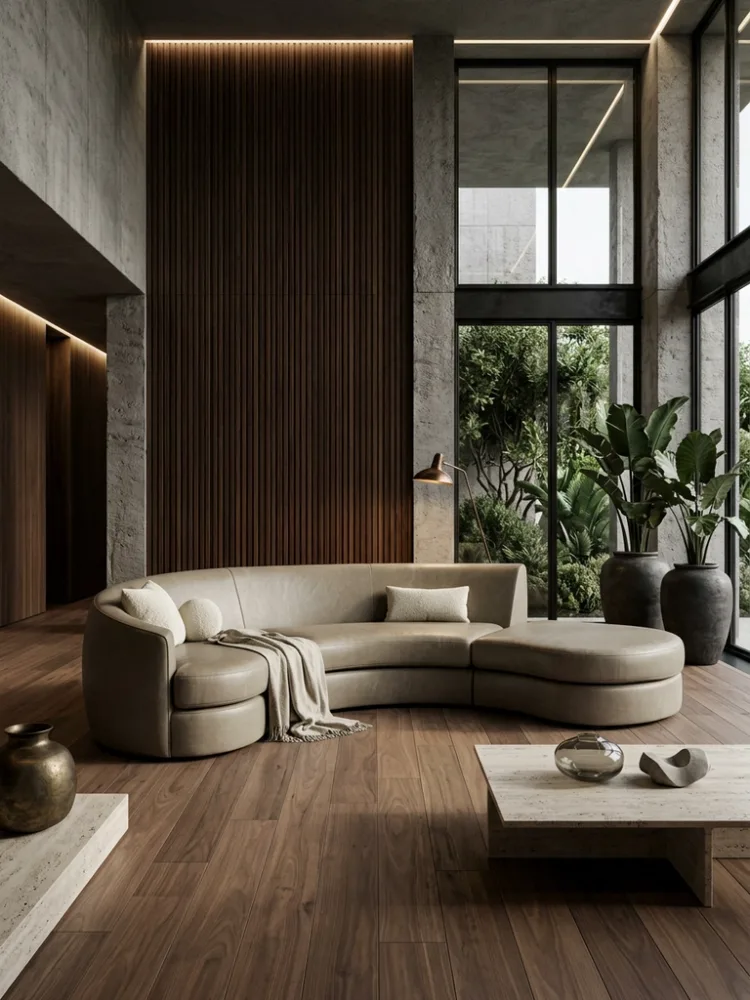
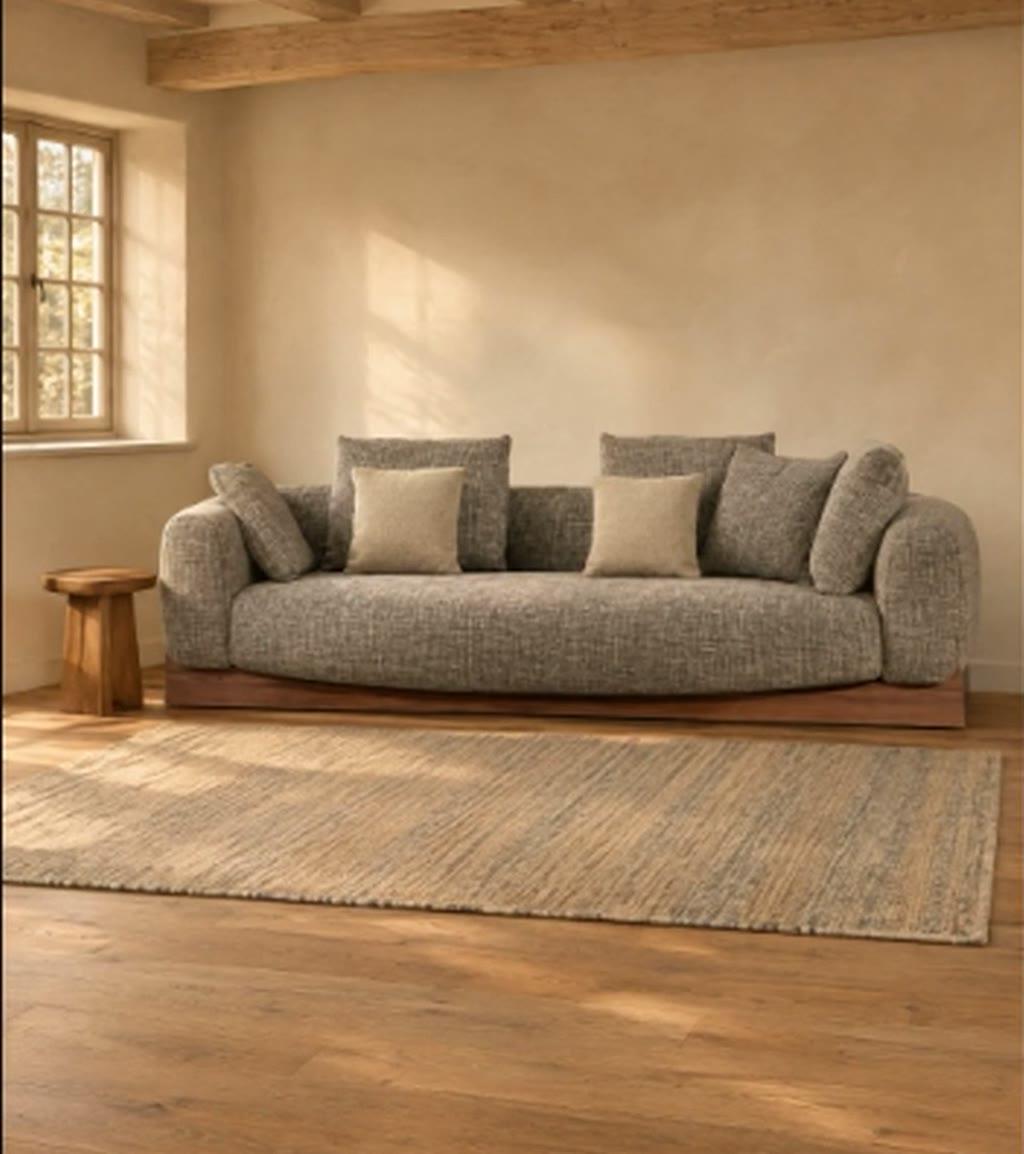
Once you approve, the agent starts every image at the same time. In the demo, one sofa became four different British living rooms in a single run: a period townhouse, a modern country house, a converted loft and a cottage, each at 4:5 and 2K.
Finished images collect in a results panel next to the chat, so the conversation stays readable while the images stay in view. Open any image to see it full size, together with the prompt that produced it.
When an image is close but not right, you don’t start again. Press Edit on the result and say what should change:
“Edit this image: make it evening light with a lamp on.”
The agent returns the same room and the same sofa, now at dusk. You can also keep a result as a reference for the next shot, so a set of images shares one look.
Every brand has preferences that never make it into a brief: no throws on the sofa, nothing on the windowsills, no glass tables. In the Studio Agent these are rules, written in plain words.
You don’t have to set them up in advance. When you state a preference in the chat, such as “always keep the room free of people and pets”, the agent offers to save it. You choose whether it applies to you or to the whole workspace, or keep it to the current chat only.
Rules are then used twice. The agent follows them when it writes the plan and the prompts, and it checks every finished image against them. Each result carries a badge such as 6/6 rules; click it to see the verdict for each rule and the reason behind it. An image that breaks a rule is easy to spot before it reaches your product page.
Lifestyle imagery is only useful when the product in it is the one you sell. The agent treats your photo as the source of truth: it keeps the camera angle, shape, fabric, cushions and base, and changes only the scene around them.
It is also honest about the limits. Generated images can drift in small ways, so the agent tells you what to compare against your photo, and if a result has drifted it regenerates from the original instead of editing the copy. For more on how this kind of imagery fits into a catalog workflow, see how an Agentic Catalog gets furniture listings live in days.
The Studio Agent is in beta and available in Rupert today. Open the Studio Agent with one of your own product photos, or talk to the team about a walkthrough on your catalog.
The Studio Agent is a chat inside Rupert that turns a product photo and a written brief into finished lifestyle imagery. It asks about anything the brief leaves open, proposes a plan, generates the images and checks each one against your rules.
One clear photo of the product and a sentence or two about the shot you want: the room, the mood, how many images and the aspect ratio. The agent asks for anything else it needs.
It is instructed to keep the product's shape, colour, fabric and details as they are in your photo and to change only the scene around it. Generated images can still drift slightly, so the agent tells you what to check and regenerates from the original photo when you ask.
Rules are staging preferences written in plain words, such as no throws on the sofa or no people in the room. They can apply to you or to the whole workspace. The agent follows them in every brief and reports, per image, whether each one was followed.
Yes. Pick a result, press Edit and describe the change, for example evening light with a lamp on. The agent edits that image and keeps the rest of the scene.